 Featured
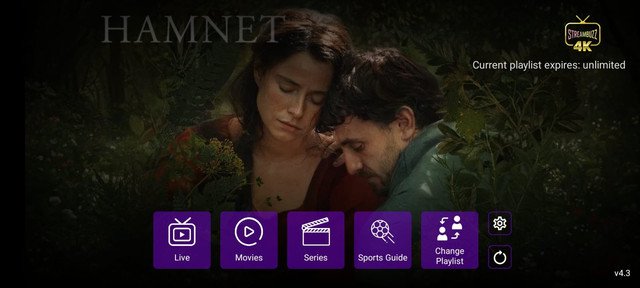
StreamBuzz TiviMate APP
5912590A clean TV-first experience for Firestick and Android TV users.
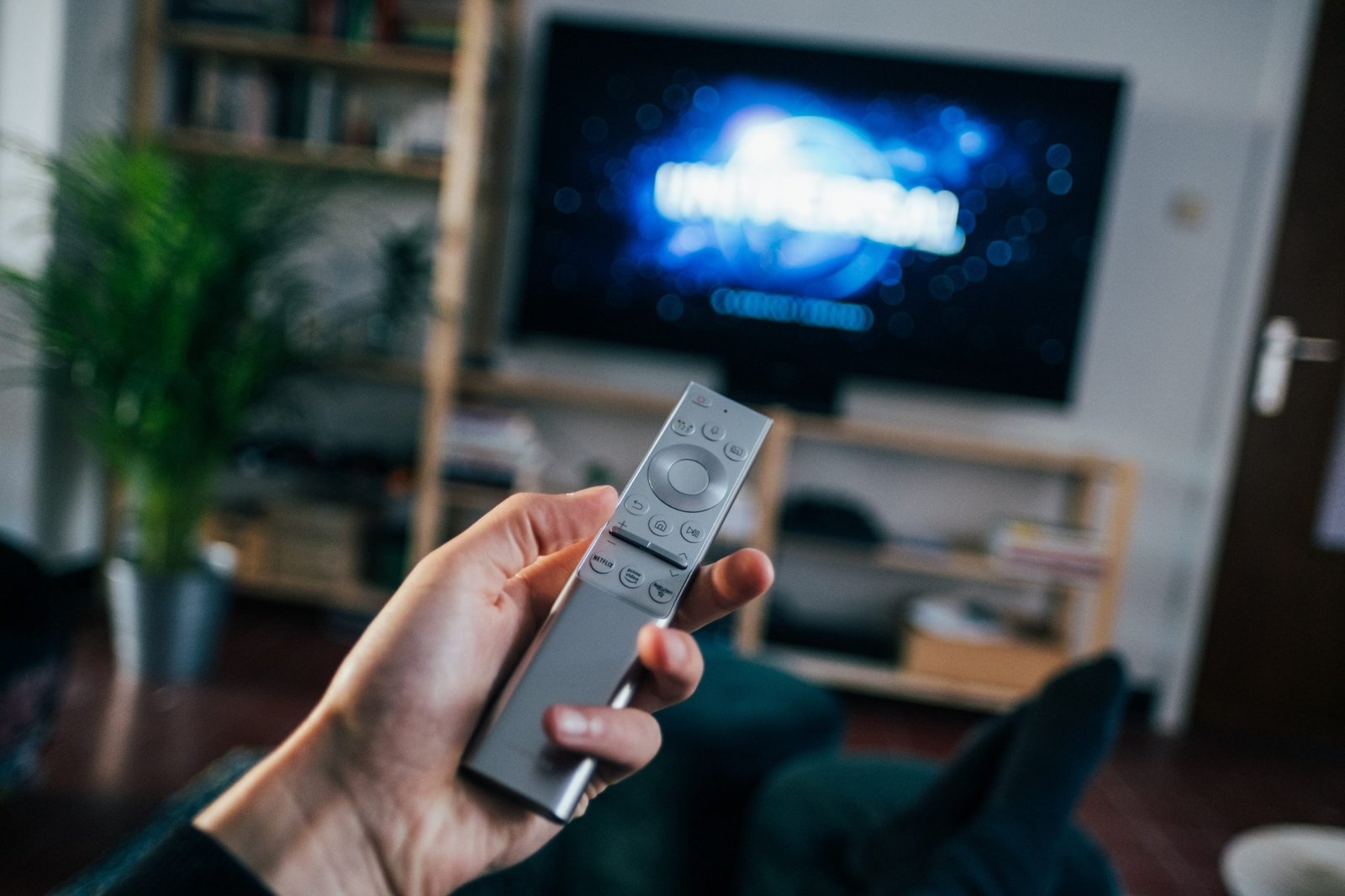
Choose the interface that fits your screen, then use the downloader code or direct link to install.
No hidden steps. Pick a player, copy the code or open its direct link, then use the detail page if you want the full setup notes.
FeaturedA clean TV-first experience for Firestick and Android TV users.
 Recommended
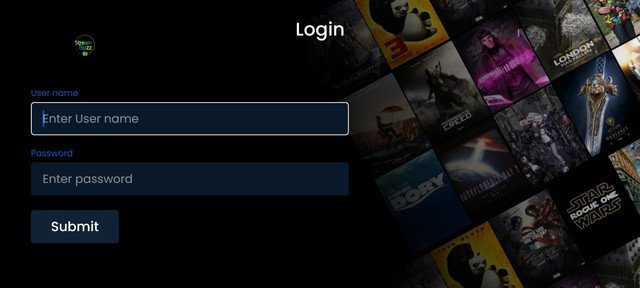
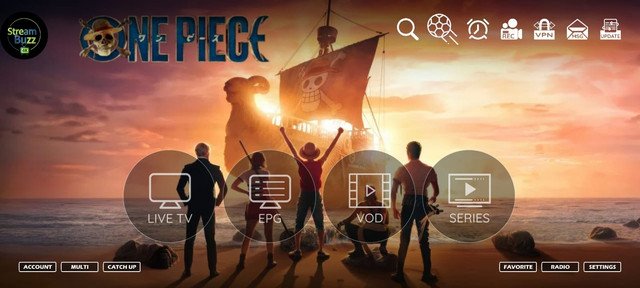
The official Stream Buzz player with a smooth everyday viewing interface.
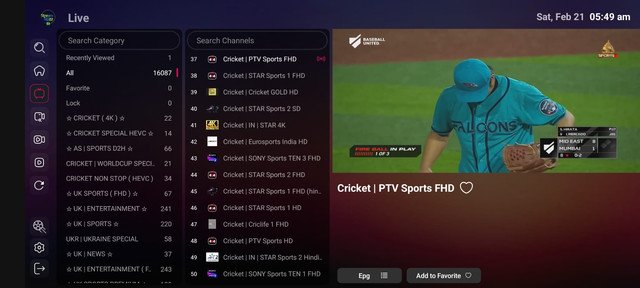 Popular
Simple navigation and a familiar Smarters-inspired setup.
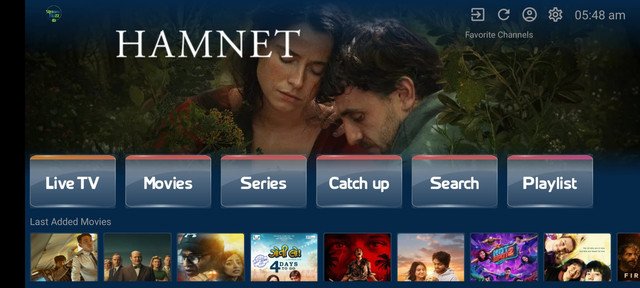 Lightweight
A lightweight option with quick access to core entertainment categories.
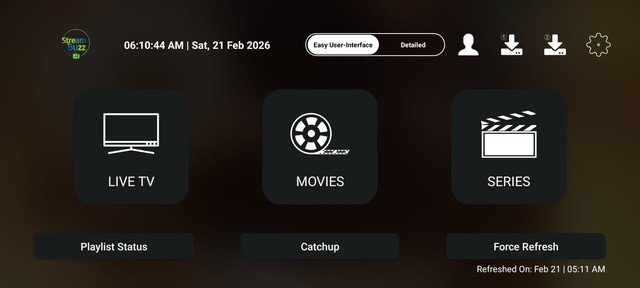 Fast Setup
A modern IPTV player build focused on speed and straightforward setup.
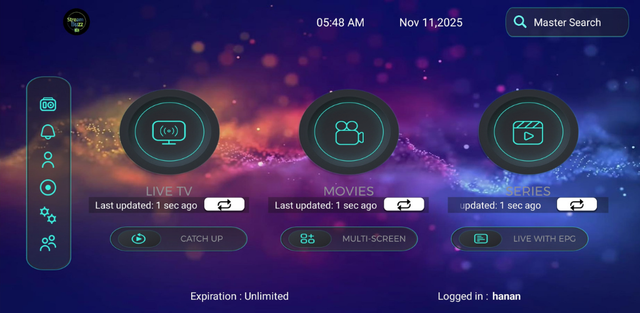 Premium
A polished big-screen presentation with a premium visual interface.
 Android Ready
Clean Android-compatible option with a direct install experience.
 Bundle
Player access paired with a VPN option in one streamlined package.
Use the device and interface selectors to get a starting recommendation. You can still choose any of the eight players.
The easiest setup route is usually the one that matches how you already use your TV or box.

Some viewers want a television-first guide, some know the classic Smarters layout, and others want the lightest possible app. The Stream Buzz app center keeps the choice visible instead of forcing one interface on everyone.
Use the direct link when it is convenient, or enter the downloader code on supported Firestick and Android setups.
Pick the player based on your device and preferred interface.
On supported devices, open the Downloader app or browser.
Use the 7-digit downloader code shown beside the selected app.
Follow the normal device installation prompts and open the player.
Use WhatsApp support with your device and app name for a faster answer.
| Player | Best for | Code | Key devices |
|---|---|---|---|
| StreamBuzz TiviMate APP | Featured | 5912590 | Firestick • Android TV • Android Box |
| Stream Buzz Official Player | Recommended | 8178008 | Android • Firestick • TV |
| IB Smarters Version | Popular | 7603606 | Android • Firestick • TV |
| VU Player Version | Lightweight | 6224241 | Android • TV Box • Firestick |
| 9Xtream Version | Fast Setup | 2683735 | Android • Firestick • TV |
| Sky Glass (Smarters Pro) | Premium | 5321424 | Android TV • Firestick • TV Box |
| IBO Version | Android Ready | 4532206 | Android • Android TV • Mobile |
| XC Version + Agency VPN | Bundle | 4771693 | Android • Firestick • TV Box |
The Official Player is a straightforward starting point. Device and interface preference can change the best choice.
Yes, on compatible setups using the Downloader app. Direct links are also shown for convenience.
No. Each app card lists common supported device categories so you can narrow the choice.